CATEGORIES
First steps
Frequently asked questions
News
Connection to the platform
Modules
Administration


To schedule your survey, you must go to the 360° Feedback module, on the Schedule tab. Depending on your case, select as beneficiary "Me", "A collaborator" (another person) or a "360° Campaign" (for several people).

Then select the template you want to use or start from scratch by clicking on "Create yourself". A pop-up window will appear to ask you for confirmation: click on "Use" and start the creation.
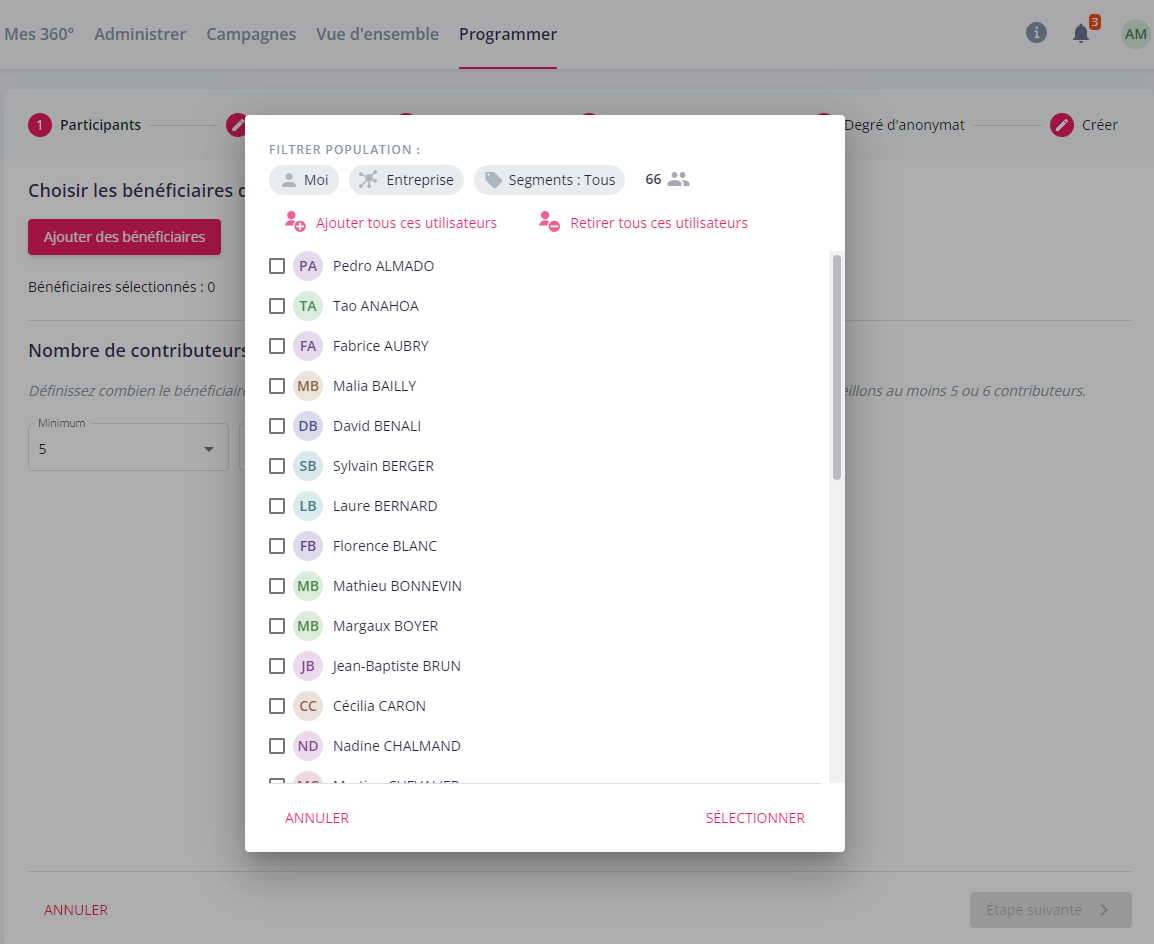
If you are scheduling a survey for another person or campaign, the first step will be to designate the recipient(s) of that survey. Press the "Add Recipients" button to access the list of your collaborators. Then select one or more people. If necessary, you can use the segments at your disposal to navigate more easily through the list of your collaborators. You will then define the minimum and maximum number of contributors (= respondents) they can choose from.
The steps for creating the questionnaire are common and are as follows:


Your survey has been created and you will find it in the My 360° tab for your survey for yourself, Administer (for platform administrators) for 360°s for another person or Campaigns (for platform administrators) for 360° campaigns.
*Depending on your access rights, these options may not be available




