CATEGORIES
First steps
Frequently asked questions
News
Connection to the platform
Modules
Administration


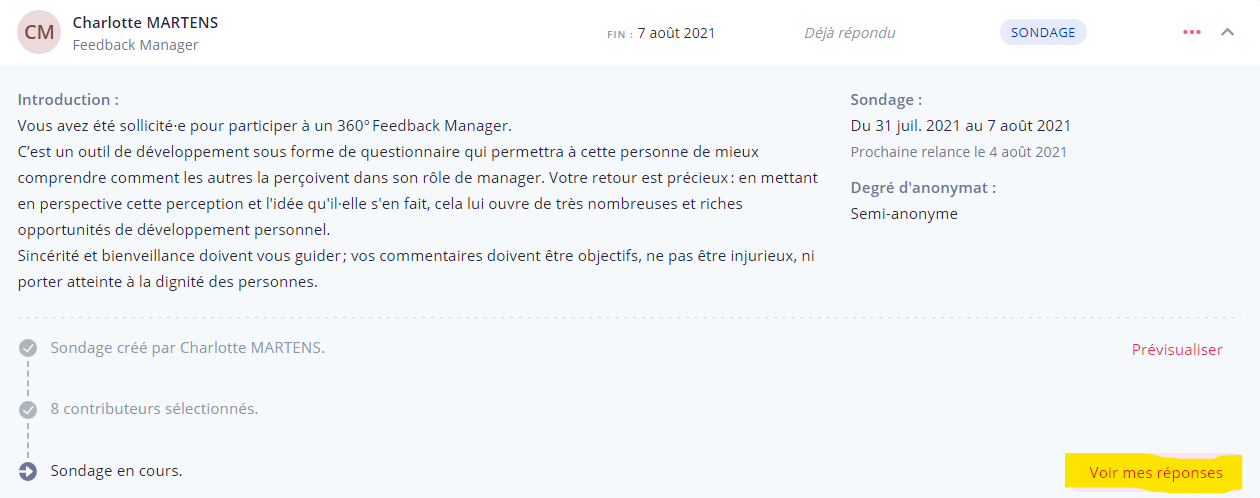
You have been selected to take a 360° feedback survey: you have received an email to notify you. To access the survey, there are two possibilities:

Respond to the 360° feedback in a caring and constructive way: your feedback is important for the beneficiary. It will allow them to understand their strengths and areas for improvement in order to develop.
At the end of the survey, a message indicates that you are about to validate your answers. Please feel free to reread your answers before validating them.