CATEGORIES
First steps
Frequently asked questions
News
Connection to the platform
Modules
Administration


Depending on your access rights, you can make changes to the tip library, e.g. change the content of a tip or add new tips.
To do this, select a tip from the library of tips available on the platform: choose a topic and then click on a tip sheet.
When the record appears, you can modify or delete it using the buttons at the bottom of the record:
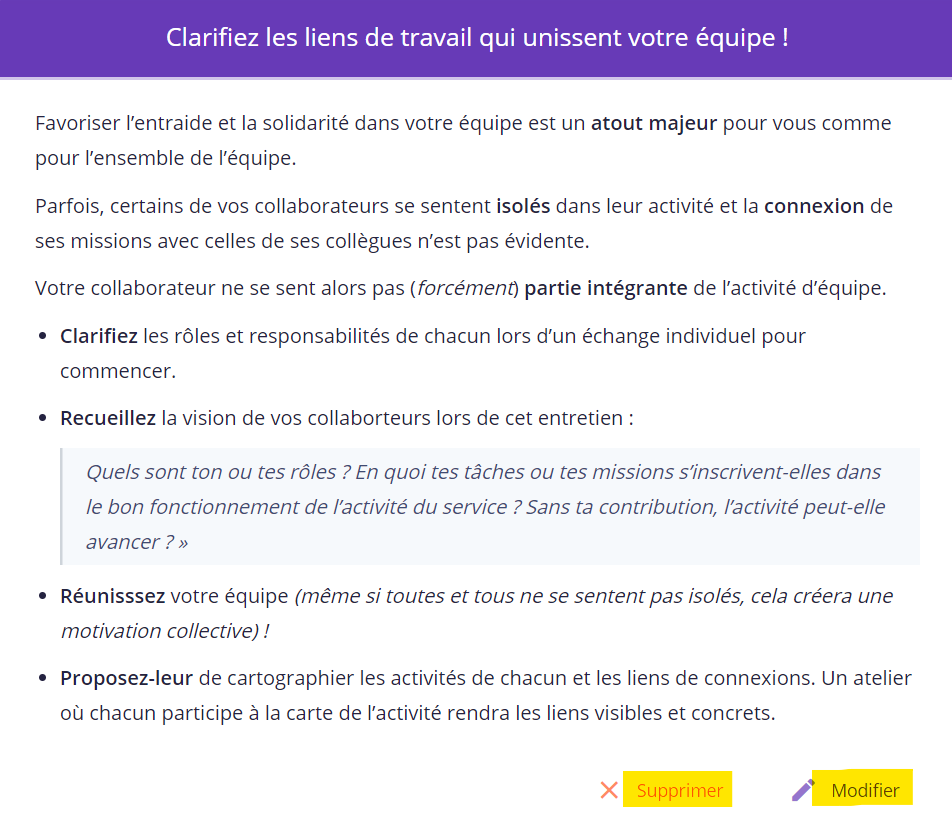
You delete a board when you think it does not fit your structure and therefore there is no point in keeping it.
You can modify a tip to adapt it to your context or to enrich it with good practices already tested in your teams. This will allow you to disseminate them to as many people as possible and to provide concrete examples that will make it easier for your teams to identify with.




