CATEGORIES
First steps
Frequently asked questions
News
Connection to the platform
Modules
Administration


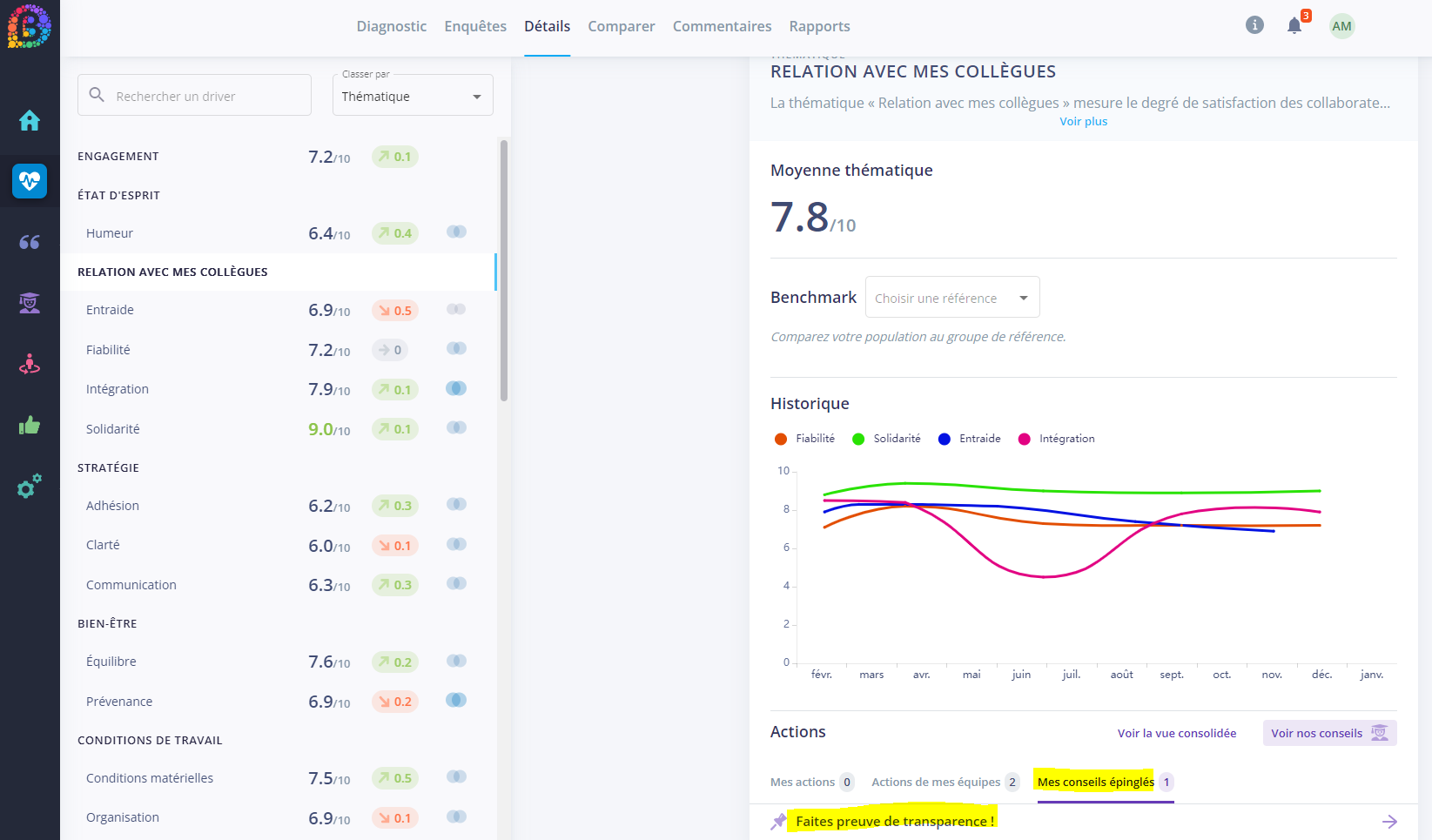
You can pin a tip for yourself or for other users: pinning a tip allows you to save it for future use or to communicate it to your team managers so they can take action.

When you select Pin for other users, you have two options:

All managers will be notified and will find the pinned tips in the corresponding section: on the Tips tab, by selecting "my pinned tips" in the drop-down menu or directly from Pulse, on the Details tab, in the corresponding theme.